Chrome extensions seem simple, relatively easy to build, and are extremely useful.
Shopify has its own version of that: apps. Anyone can develop and publish an app for other merchants to use.
They make it fairly easy to have a starting point, even for someone not particularly technical like me.
I wanted to see what I could do with this by using the online Shopify Dev Docs alongside AI to build an app.
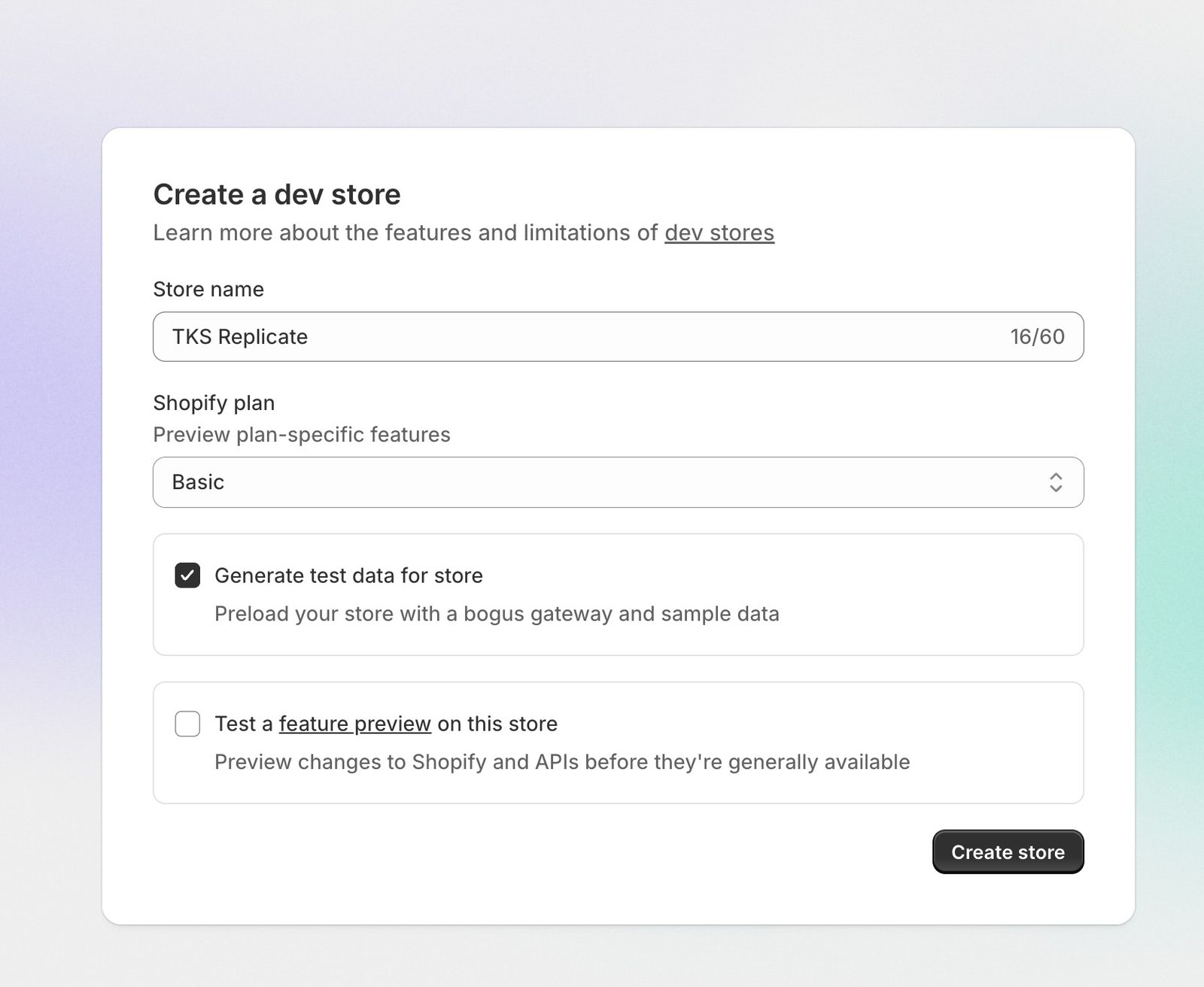
First, I created it on my Shopify and created a dev store to run it in.
Then, I had no clue what to do. I had to download VS Code, manually code the files, and learn how to use the platform.
Luckily, AI came along to help. I figured out how to download the Shopify CLI dev files, which serve as a template.
It downloads the basic app files and structure, which I successfully linked to the dev store and my Shopify account via Terminal.
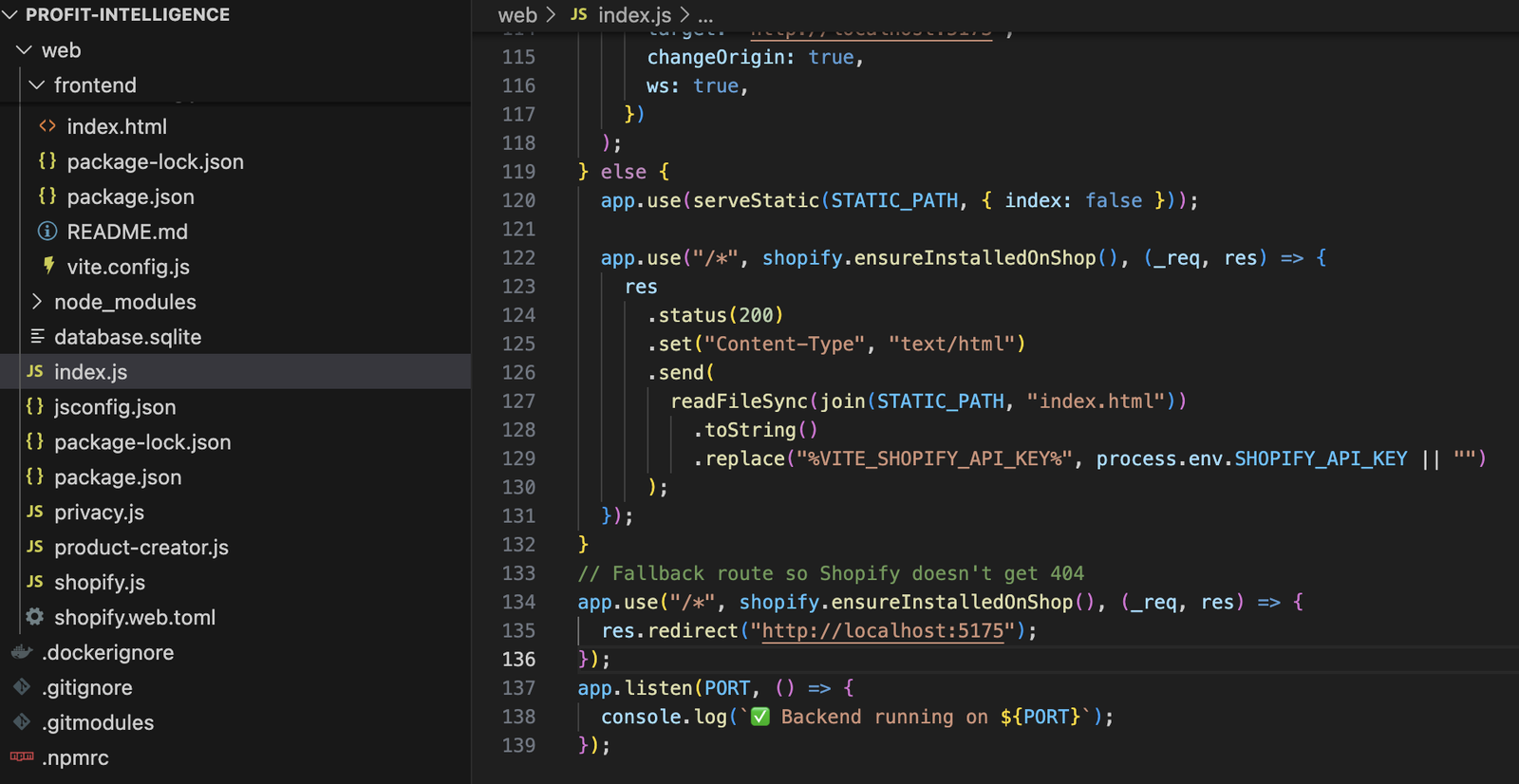

Using the terminal to download code folders from the internet and create files for me was very new and a big learning curve. I am glad I got that experience because it was a side of the building I had not seen. I had dabbled in coding but never done terminal work.
I then learned to sort through the files and differentiate the frontend from the backend, align all the ports, and check that it is running.
I also began to understand how the server runs locally on my computer, but is accessible online because of a Cloudflare domain used to connect them.
Next, I used AI coding to build the front end. I had it verify the connection and display basic store info to start.
My biggest challenge was getting the backend to link to the frontend and have the preview url work.
I was able to easily get them running individually, but not integrated with the Cloudflare domains.
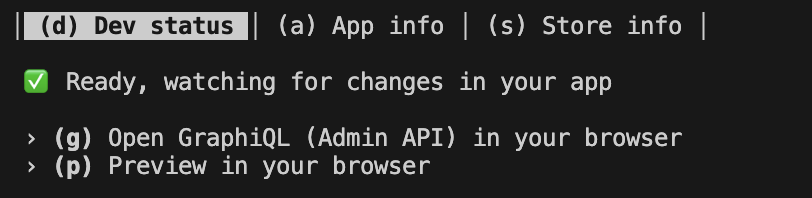
I managed to make it work by configuring the proxy and aligning the Vite frontend ports with the backend.
I was able to successfully link the two pieces of code and get things running. Overall, this was a unique experience as my first time coding. I had a lot of trouble with bugs and building, but learned a lot about myself and enjoyed seeing the technical aspect of how things are built. It was very eye-opening for me.
This project was the third step of my TKS focus process, before I wrote about how the Shopify Sidekick E-Commerce agent is built and the N8N agent I created.
Thanks to Tutorial Toolkits on YouTube for the guides!
Thank you for reading, and please connect to my LinkedIn if you would like to chat about AI, e-commerce, or anything else interesting!